
Courses are assigned automatically by organisation and job role
Set it up once: which courses belong to which organisation and job role. After that, new employees get their courses, and those who change jobs get the new ones.
Set up once
Build the organisation
Departments, companies or locations in a tree. Users come in automatically from your user directory or HR system.
Choose job roles
Learning profiles such as "Manager", "Fitter" or "Customer service" group the courses for a particular role.
Link the courses
Courses on an organisation also apply to the organisations below it. Set a deadline and, if needed, recurrence.
Enrolment runs
New and moved employees get their courses, and reminders are sent as the deadline approaches.
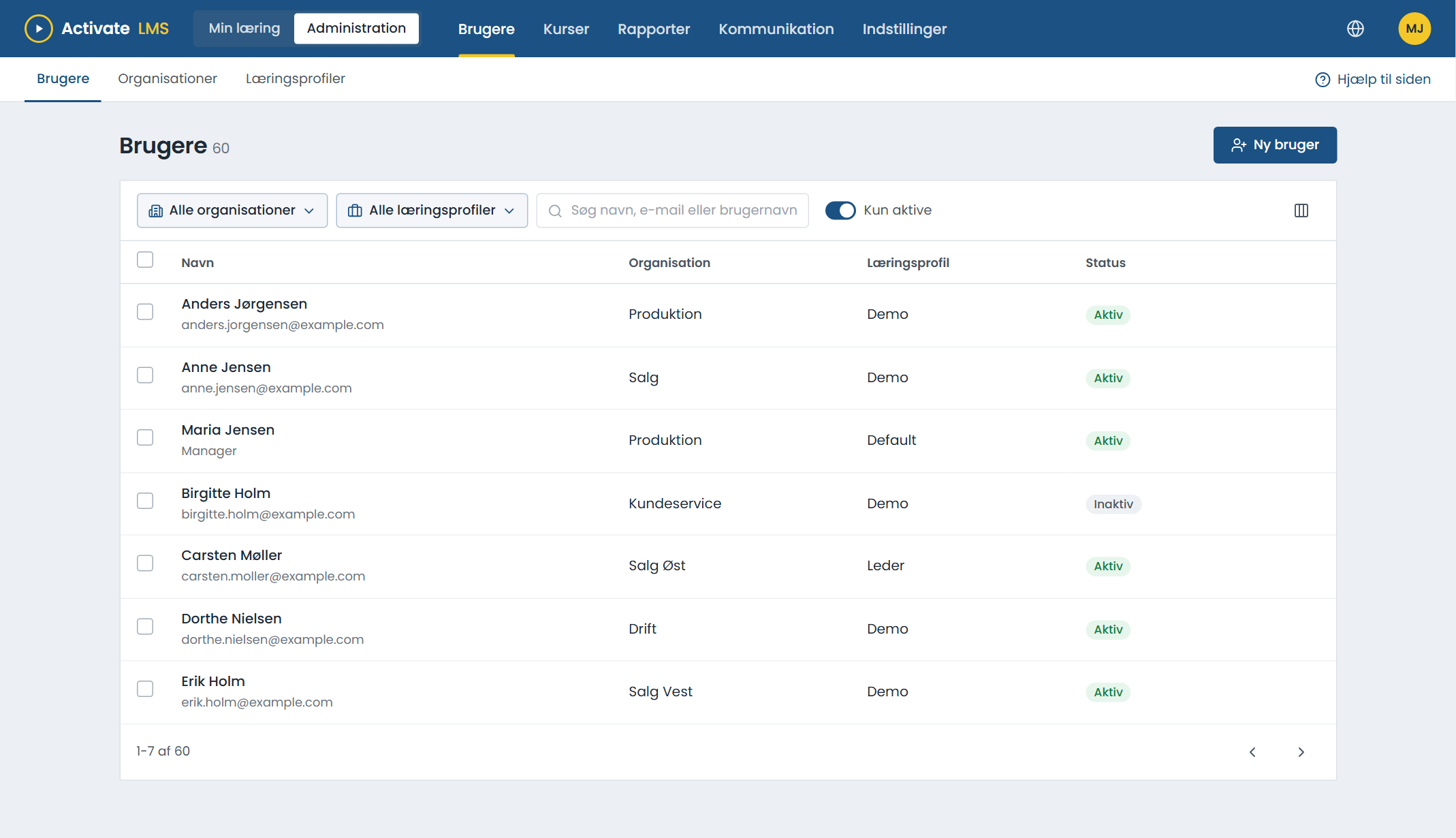
Organisation and job role for every employee
These two pieces of information decide what the employee needs to learn. The LMS stays up to date when they come from your user directory.
- If an employee changes department, the courses follow.
- Managers only see their own organisations and employees.
- Assign manually as well when someone needs a course in addition to the standard ones.
Deadlines, recurrence and exceptions
Deadlines
A fixed deadline or a number of days from enrolment. The deadline is shown on the employee's page.
Recurrence
Courses that must be retaken at regular intervals, for example every year, start over automatically.
Reminders
Rules send reminders before the deadline and a message to the manager if it is missed.
Link and QR code
External staff and temps can sign up themselves with a link and end up in the right organisation.
System log
See when and why an employee was given a course, including the enrolments made by the system.
Ask the AI assistant
Our AI assistant can explain why a particular employee has been given a course.
About automatic enrolment
When does a new employee get their courses?
When the user has been created in the LMS with an organisation and a job role. If users come from your user directory, this happens automatically.
Can an employee have several job roles?
Each employee has one job role. If a role needs more courses, they are grouped on the job role.
What if an employee has already taken the course?
Completed courses stay completed. The employee does not have to take them again unless the course is set to recur.
See the automation in a demo
We show how your organisation can be set up so that courses are assigned automatically.