
E-learning from your own tools
Upload courses from the tools you already use. Combine them into programmes, offer them in several languages, and let employees complete them on a phone, tablet or computer.
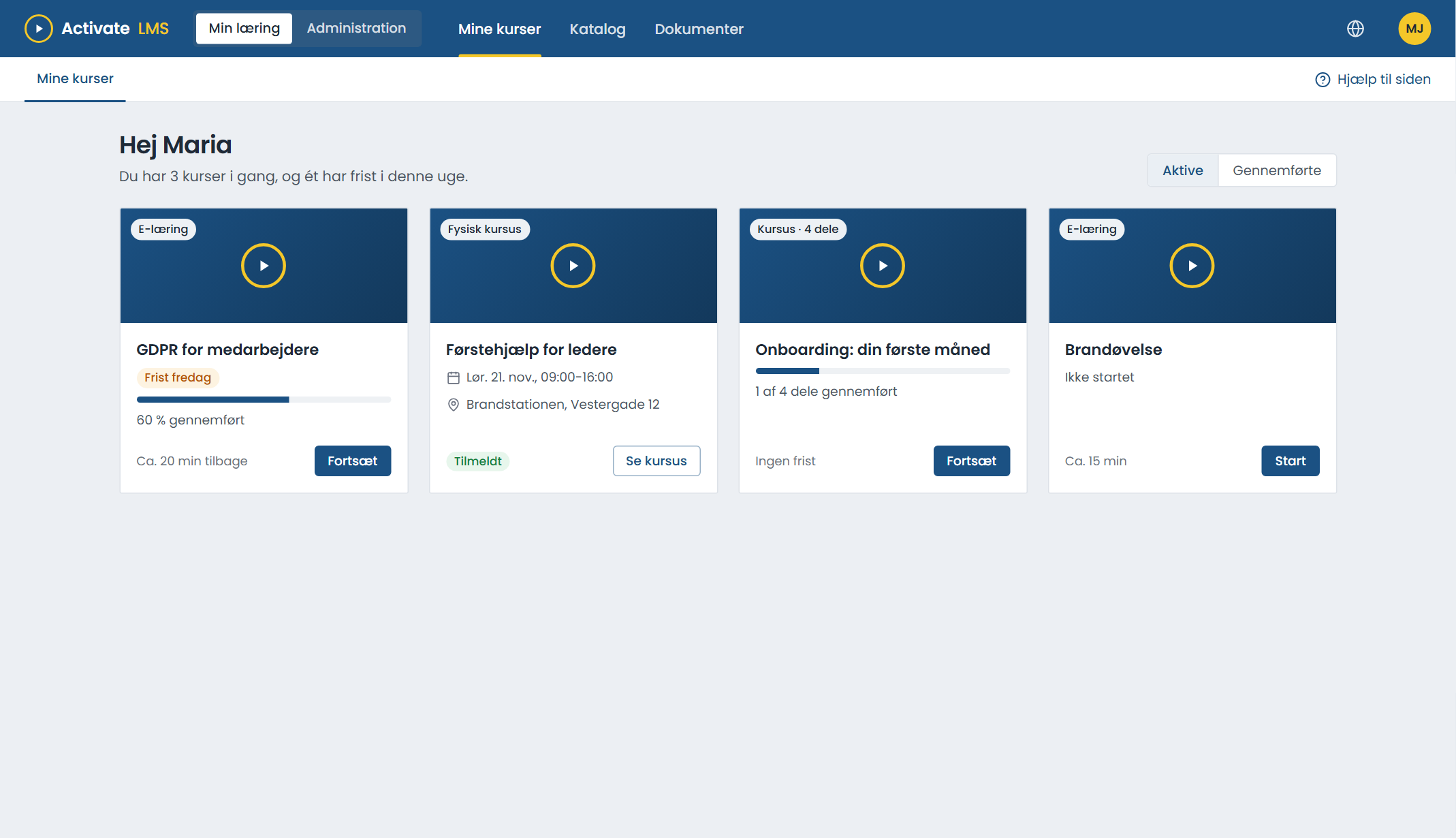
From authoring tool to employee
Export as SCORM
From Articulate Storyline, Rise, Adobe Captivate or another tool. Both SCORM 1.2 and SCORM 2004 work.
Upload and name it
Upload the package, give the course a title and a short description, and choose an image.
Add more languages
Upload a version for each language to the same course. Each employee automatically gets their own language.
Assign
To organisations, job roles or individuals, or put it in the catalogue for optional sign-up.
Languages, programmes, diplomas and catalogue
One course, many languages
Upload a version for each language to the same course. The reports combine all languages, and the course is assigned once.
Courses in several parts
Combine modules, documents and classroom courses in one programme. Reuse the same module in several programmes.
Pick up where you left off
Progress, answers and time are saved along the way, so the employee can stop and continue later.
Diplomas
A diploma can be sent automatically when the course is completed, and downloaded again from My courses.
Catalogue
Optional courses that employees can sign up for themselves. You decide who sees what.
Course evaluation
Learners give 1-5 stars and a comment. It is anonymous, and you turn it on when you are ready.
Your courses in the client's own LMS
With SCORM proxy (external SCORM packages), the course runs in the client's LMS, but the content stays with you. When you update the course, the client gets the new version straight away.
- No new files for the client when you update.
- Close access for a client directly in Activate LMS.
- Upload via API if the courses come from your own system.
About e-learning in Activate LMS
Which SCORM versions are supported?
SCORM 1.2 and SCORM 2004. That covers courses from Articulate Storyline, Rise, Adobe Captivate and most other tools and course suppliers.
What is SCORM, and why does it matter?
A common standard for e-learning. A course in SCORM format runs in every LMS that supports the standard, and off-the-shelf courses from external suppliers run in yours. You can take your courses with you if you change LMS, including if you move away from us.
Can we use off-the-shelf courses from external suppliers?
Yes. Off-the-shelf courses in SCORM format are uploaded in the same way as your own courses.
What if we change a course that people have already started?
Upload the new version to the same course. The reports continue, and you do not need to assign the course again.
Does it work on phones?
Yes. The LMS works on phones, tablets and computers. Whether the course itself works well on a phone depends on how it is made.
Try it with your own e-learning
Create a trial organisation and upload one of your own courses. It takes a few minutes.