
Course administration
Plan classroom courses in the same place as your e-learning. Set the date, venue and seats, let participants sign up, and record attendance afterwards. Reminders are sent automatically.
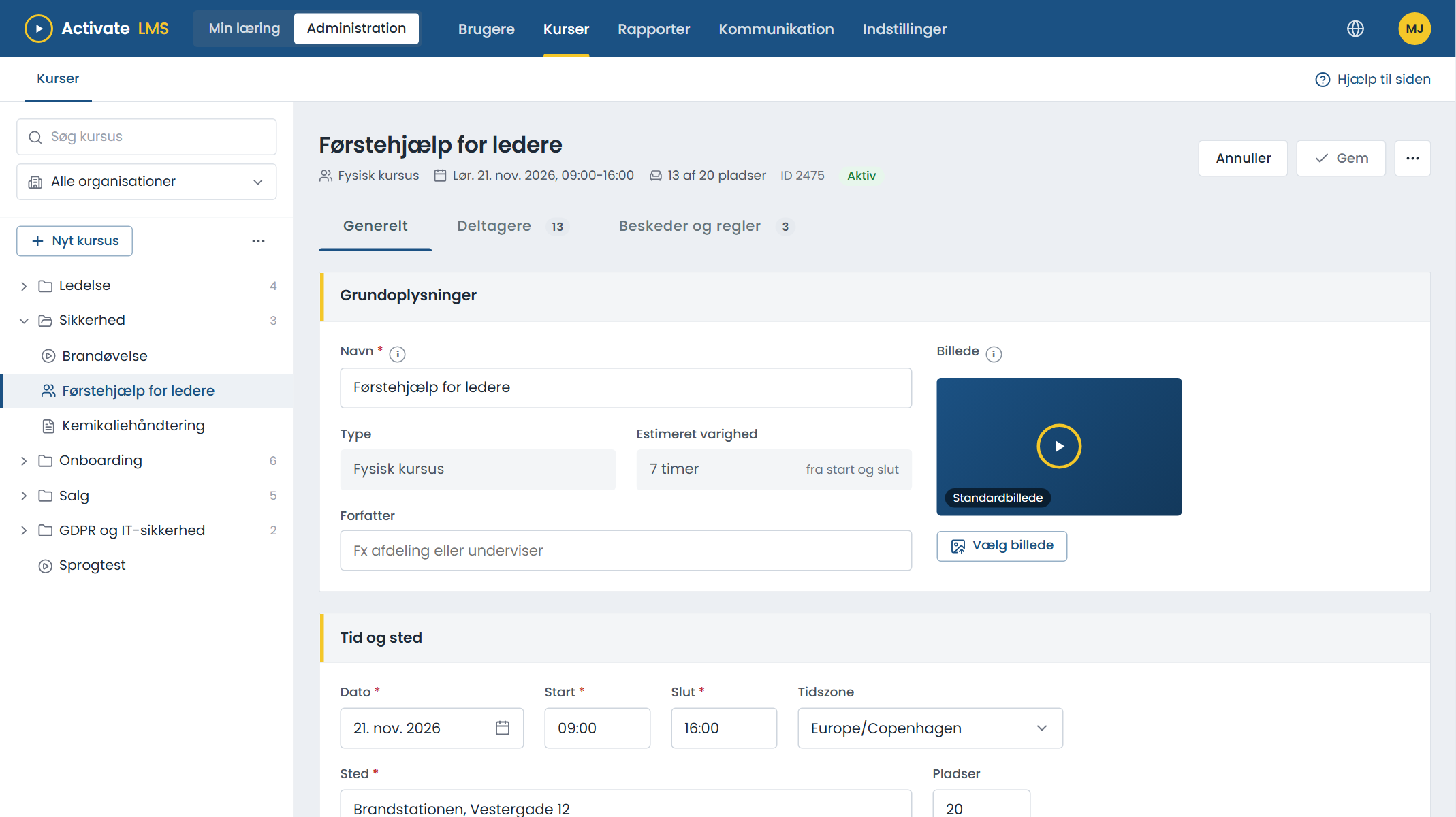
From announcement to attendance
Create the course
Date, start and end, venue and number of seats. Write a course page with the programme and practical information.
Open for sign-up
The manager enrols their people, or participants sign up themselves via the catalogue, a link or a QR code.
Participants are notified
A confirmation on sign-up and a reminder two days before, with a calendar invitation if you like. If the course is moved, everyone is notified.
Record attendance
Mark who turned up. The course shows as completed for the participant and in the reports.
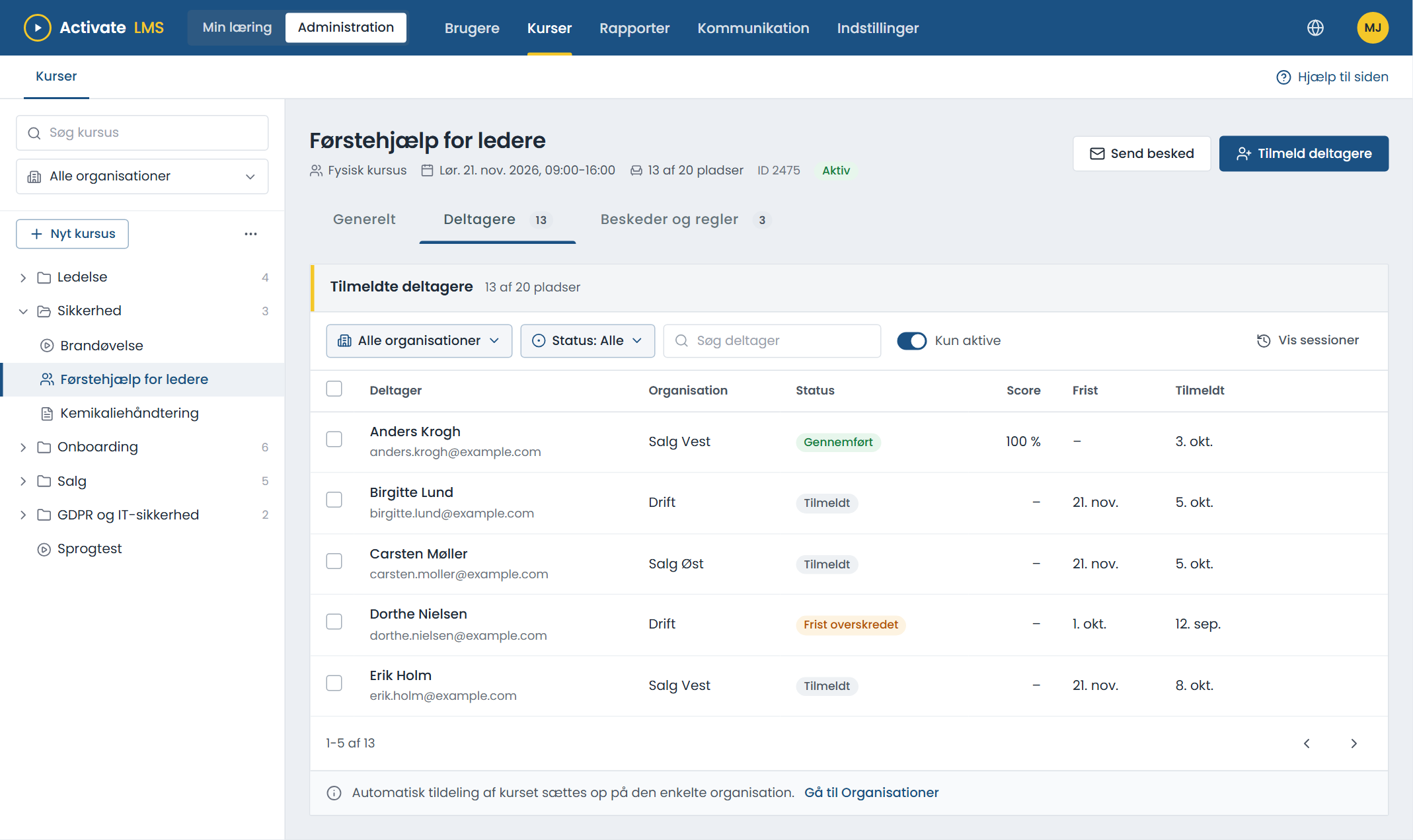
Participants and seats
See who has signed up, where they come from and who has a deadline. Managers only see participants from their own organisations.
- Enrol many people at once, or let an organisation get the course automatically.
- Send a message to everyone signed up, directly from the course.
- The trainer is set as course owner and can follow their own course.
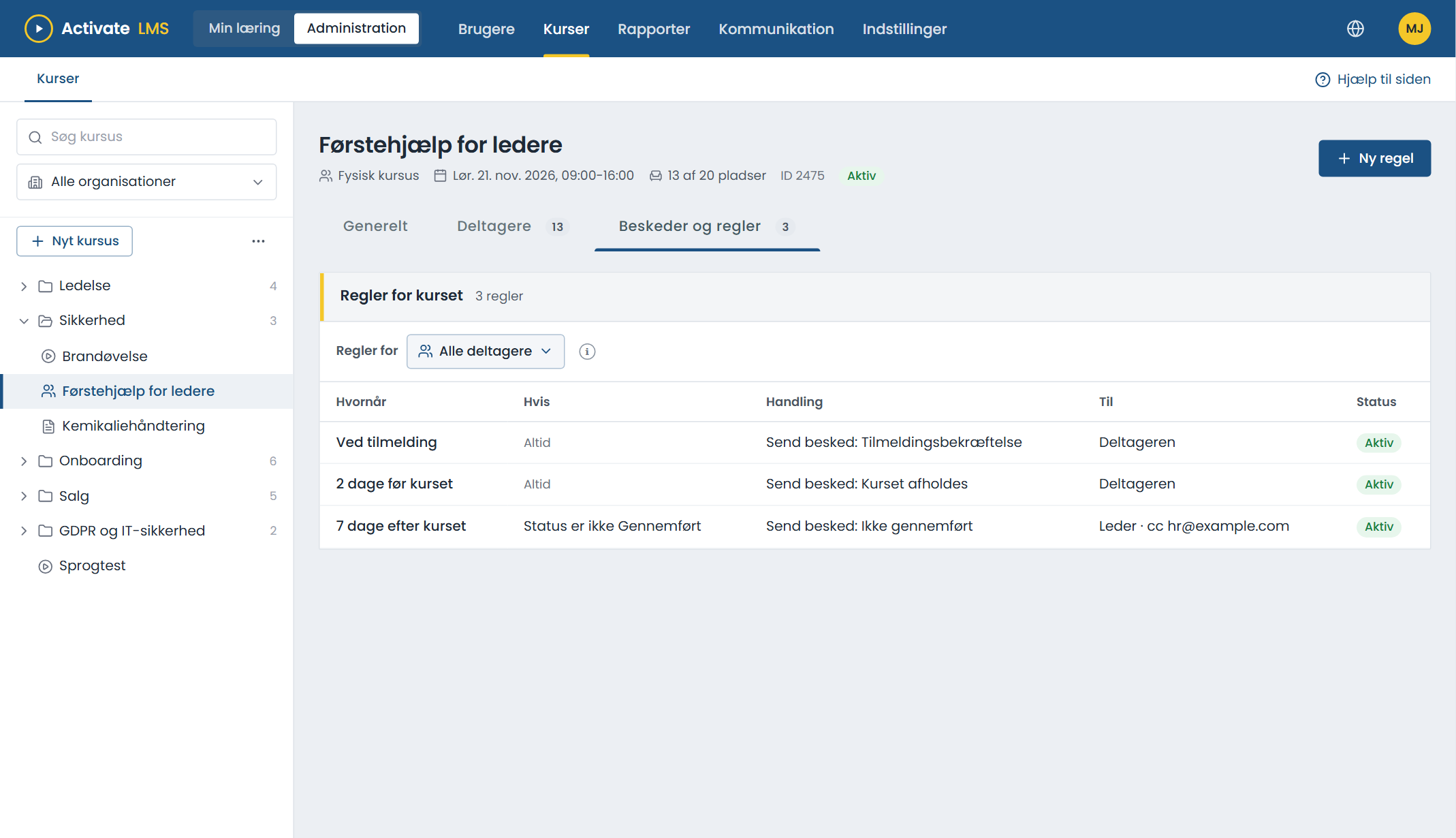
Nobody forgets the course
New classroom courses get standard rules from the start: a confirmation, a reminder and a message if the course is cancelled or moved. You adjust them if you want something different.
- A calendar invitation can be included, so the course ends up in the participant's calendar.
- A message to the manager if an employee does not complete the course.
- In the recipient's language, when you have written the message in several languages.
Time zones, QR codes and cancellation
Time zones
The course is held in its own time zone. Participants see the time as it is at the venue.
QR code
Put up a poster or send a link. Participants scan the code and are signed up.
Course page
A page with the programme, practical information and directions, in each language.
Cancel and move
Move or cancel a course in a few clicks. You choose whether participants are notified.
Locked once held
When the course has been held, time, venue and seats cannot be changed by mistake.
In the reports
Classroom courses count in the same way as e-learning.
About course administration
Does course administration cost extra?
Contact us, and we will find the right solution for you.
Can a course combine e-learning and a classroom course?
Yes. A programme can have e-learning before and after the classroom day, and the participant sees it all together on their own page.
Can we have several groups on the same course?
Today each group is created as a separate course. Several sessions per course and a waiting list are on the way.
Who can see the participant list?
Administrators see everyone. Managers see participants from their own organisations, and the course owner can follow their own course.
Try course administration
Create a trial organisation and plan your first classroom course in a few minutes.